Your Cart
Loading
Warzone  Performance Playbook for higher FPS, lower input lag, controller settings, aim assist and troubleshooting guides

Start With the Right Warzone Guide

Improve your Warzone setup with our most useful guides for PC performance, controller settings, competitive loadouts, PS5 & Xbox optimization and troubleshooting. Choose the problem or setting you want to improve below.

Latest Warzone Guides

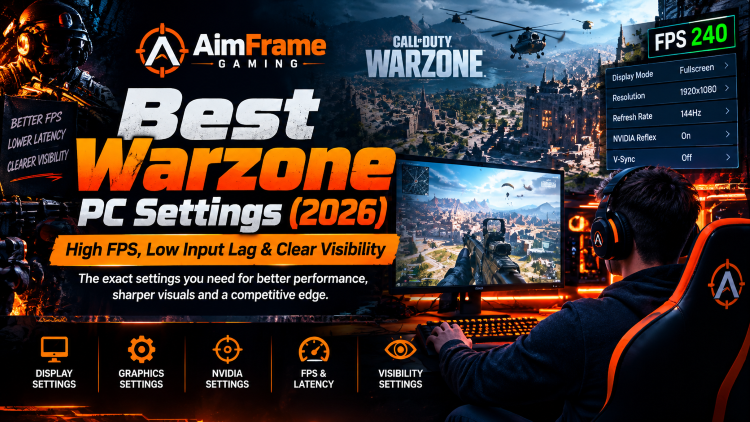
Best Warzone PC Settings (2026): High FPS, Low Input Lag & Clear Visibility
Best Warzone PC Settings (2026): High FPS & Low Input Lag
These Warzone PC settings are designed to prioritize stable FPS, low input latency and clear enemy visibility without making the game unnecessarily blurry. The best configuration depends on your GPU, CPU, monitor and resolution, but the settings bel...
Read More
Warzone Graphics Settings: AimFrame Gaming
Best Warzone Graphics Settings (2026): FPS & Visibility
Best Warzone graphics settings for PC in 2026. Optimize display, textures, FOV, upscaling and visibility for higher FPS and clearer gameplay. This guide focuses specifically on Warzone’s in-game display and graphics settings. For the complete PC opt...
Read More
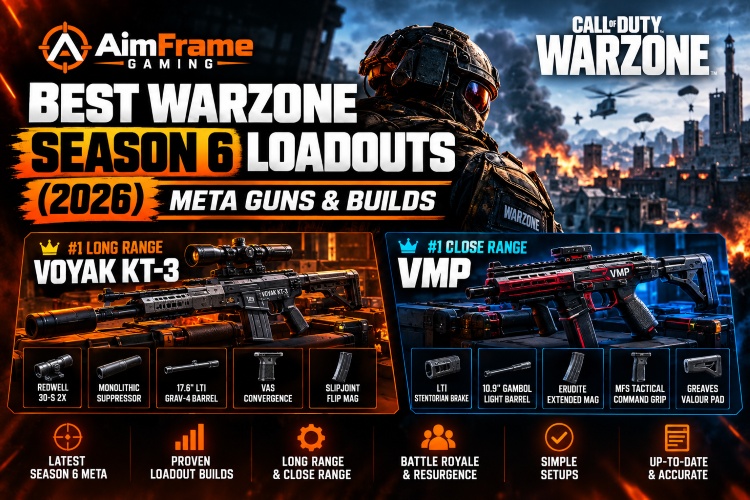
Best Warzone Season 6 Loadouts (2026): Meta Guns & Builds
Looking for the best Warzone Season 6 loadouts in 2026? These are the current meta weapons and builds for long range, close range, Battle Royale and Resurgence, updated after the latest Season 6 changes. Last updated: October 10, 2026 The Season 6 m...
Read More
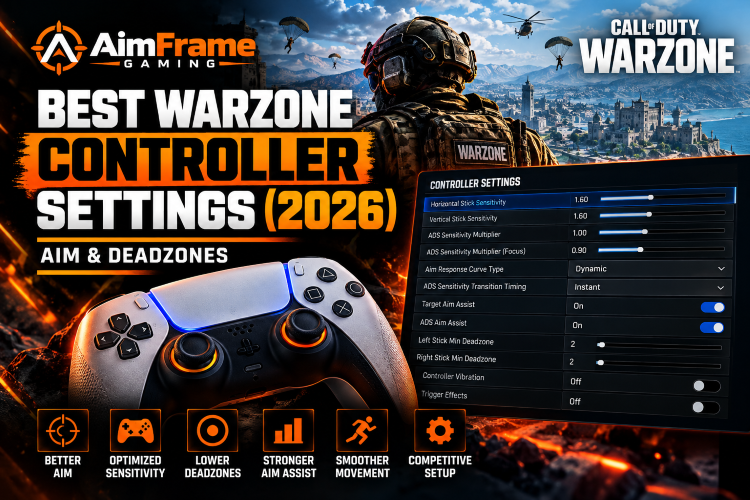
Best Warzone Controller Settings (2026): Aim & Deadzones
Use these Warzone controller settings in 2026 as a competitive starting point for sensitivity, aim assist, deadzones, response curve and movement. The goal is consistent aim and responsive controls—not copying another player's setup blindly. Ev...
Read More
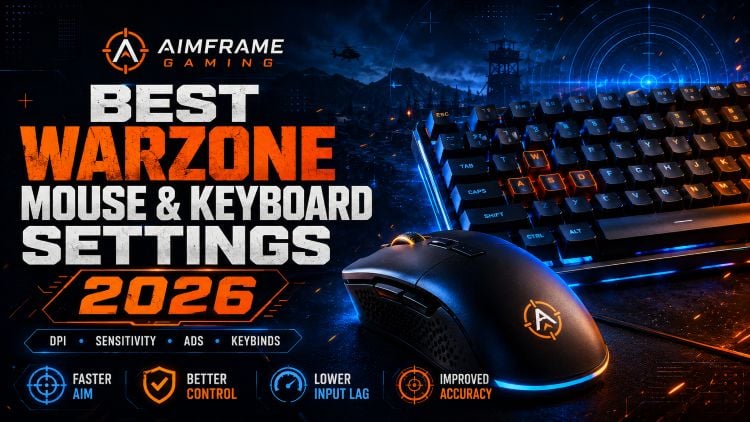
Best Warzone mouse and keyboard settings 2026 for DPI, sensitivity, ADS, keybinds, lower input lag and improved aim – AimFrame Gaming
Best Warzone Mouse & Keyboard Settings (2026) – DPI & Sensitivity
Find the best Warzone mouse and keyboard settings for 2026, including DPI, sensitivity, ADS settings, polling rate, keybinds and input options for more consistent aiming and movement. 1. Best DPI for Warzone 2026 Your mouse DPI determines how quickl...
Read More
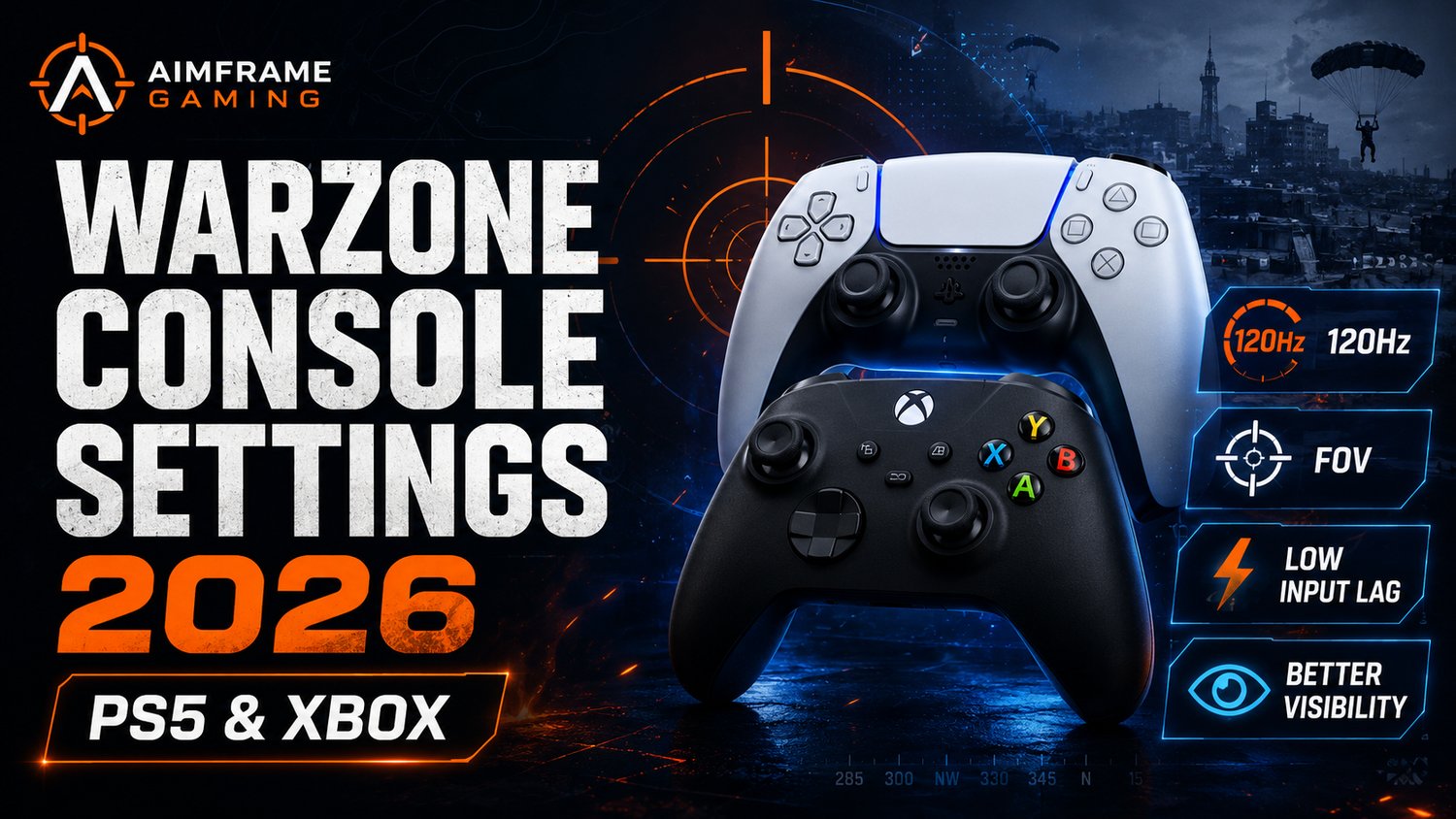
Best Warzone console settings 2026 for PS5 and Xbox with 120Hz, FOV, low input lag and better visibility – AimFrame Gaming
Best Warzone Settings for PS5 & Xbox (2026) – 120Hz & Max Clarity
Use the best Warzone settings for PS5 and Xbox Series X|S in 2026 to enable 120Hz gameplay, improve enemy visibility, reduce distracting visual effects and configure your TV or monitor for lower-latency competitive play. 1. Best Warzone PS5 & Xb...
Read More
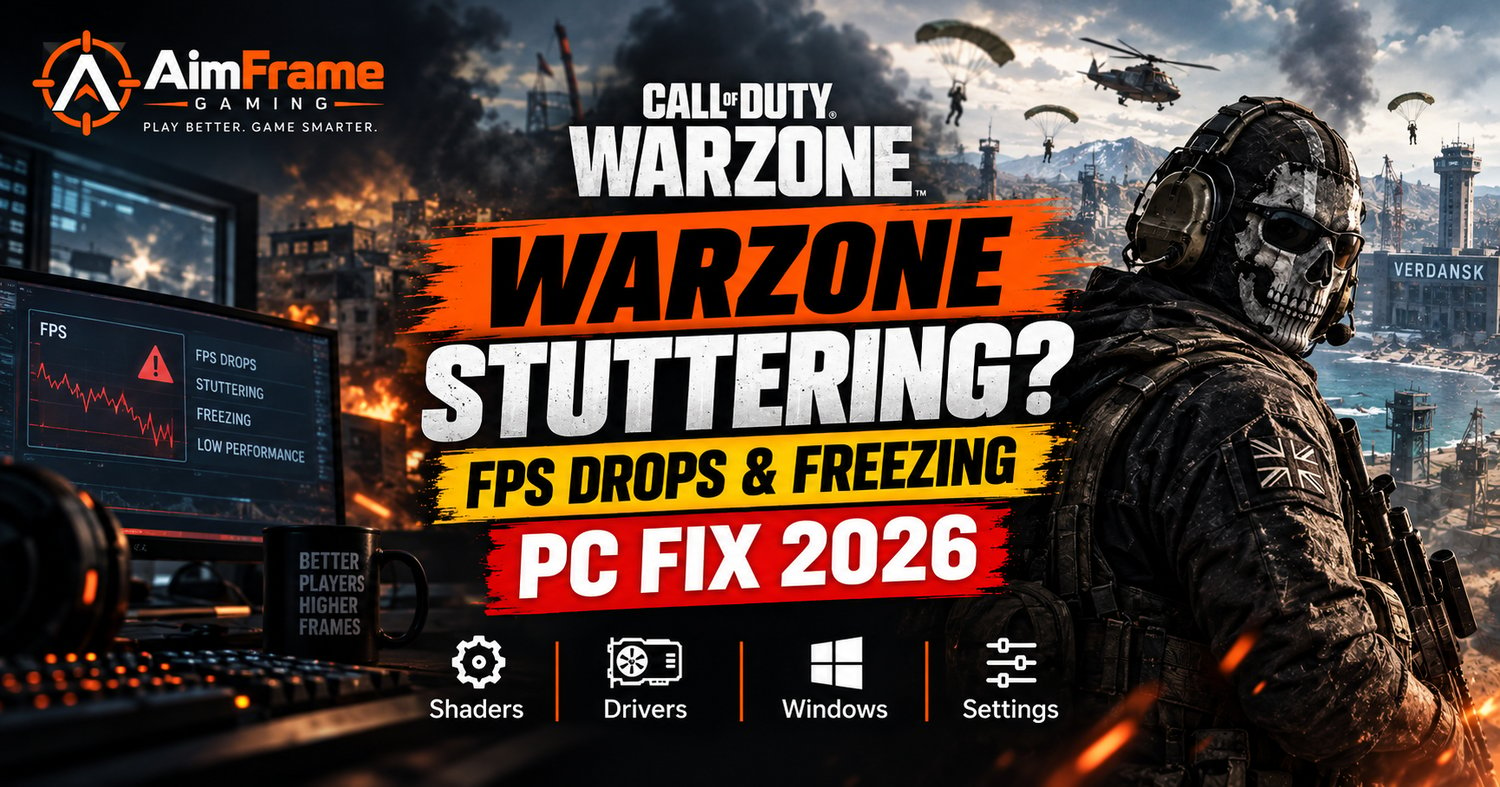
Warzone stuttering, FPS drops and freezing on PC 2026 fix with shaders, drivers, Windows and settings optimization
How to Fix Warzone Stuttering, FPS Drops & Freezing on PC (2026)
Fix Warzone stuttering, FPS drops and freezing on PC in 2026. Follow these troubleshooting steps for shader problems, VRAM limits, graphics drivers, background apps, Windows settings, overheating and inconsistent frame times. 1. Warzone Stuttering &...
Read More
ix Warzone Packet Burst & High Latency (2026) – Easy Lag Fix
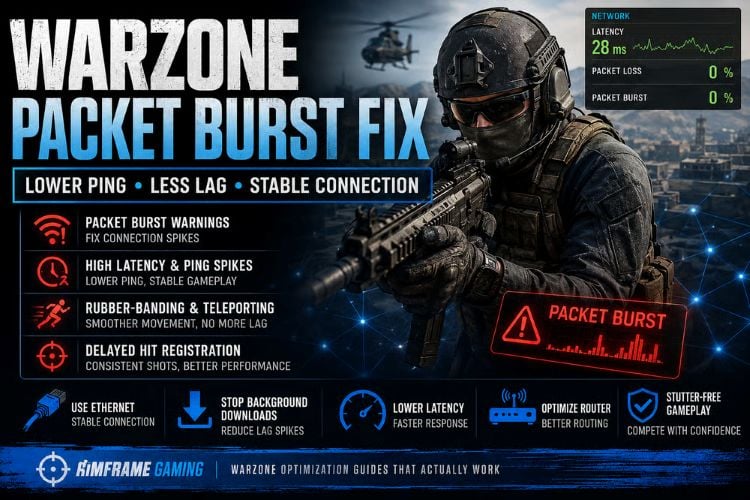
How to Fix Warzone Packet Burst & High Latency (2026)
Fix Warzone packet burst, packet loss, high latency, lag spikes and rubberbanding in 2026. Use these PC and network troubleshooting steps to check servers, Ethernet or Wi-Fi, background traffic, texture streaming, NAT, drivers and connection stabili...
Read More
How to fix Warzone Stuck on Logging Into Online Services (2026)
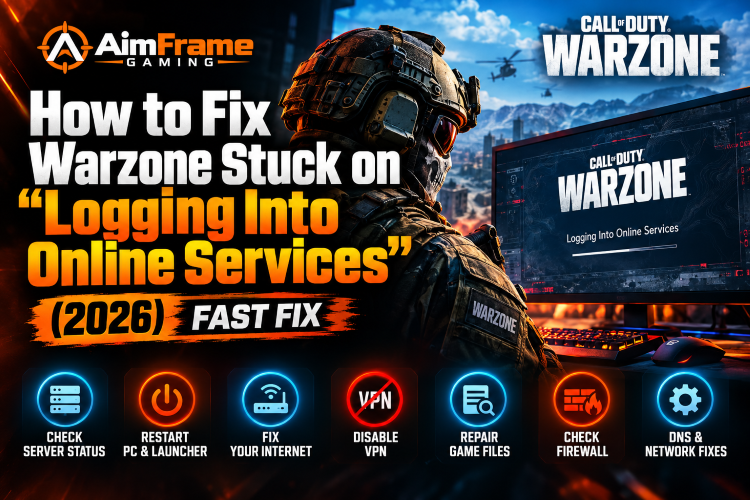
Warzone Stuck on Logging Into Online Services Fix (2026)
Warzone stuck on “Logging Into Online Services” in 2026? This guide walks through the most useful fixes for server outages, Battle.net or Steam problems, unstable internet, VPNs, corrupted game files, firewall issues, NAT problems and Windows networ...
Read More
Best Warzone settings for RTX 4050 laptop in 2026 for higher FPS and less stutter
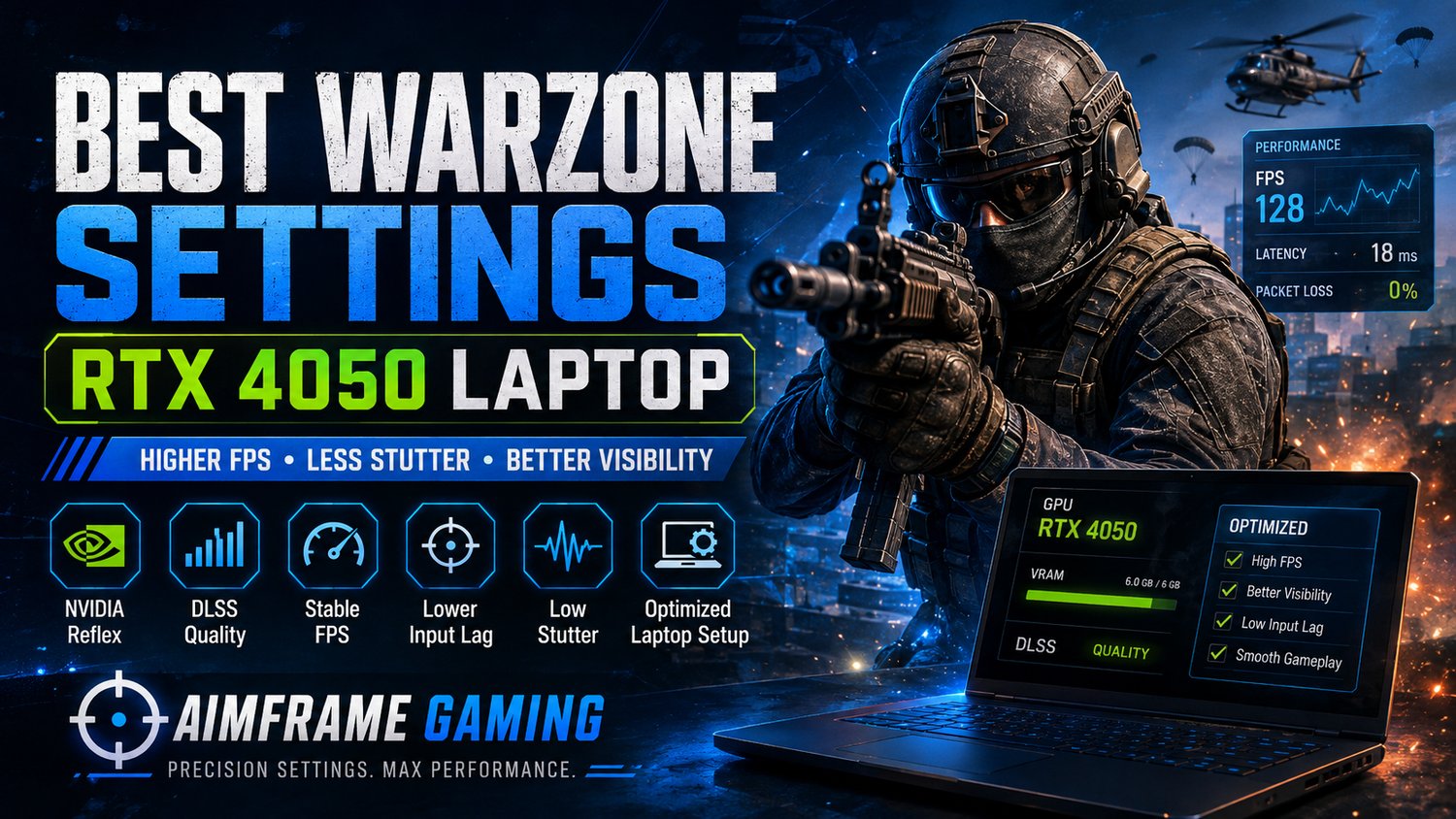
Best Warzone RTX 4050 Settings (2026) | High FPS & Less Stutter
Use the best Warzone settings for RTX 4050 laptops in 2026 to get higher and more stable FPS, reduce stuttering, manage 6 GB VRAM and improve enemy visibility at 1080p. 1. Best Warzone RTX 4050 Settings Quick Setup If you want a strong starting conf...
Read More
Warzone 2026 Performance Playbook
On Sale
$9.99
$9.99
Added to cart
Preview

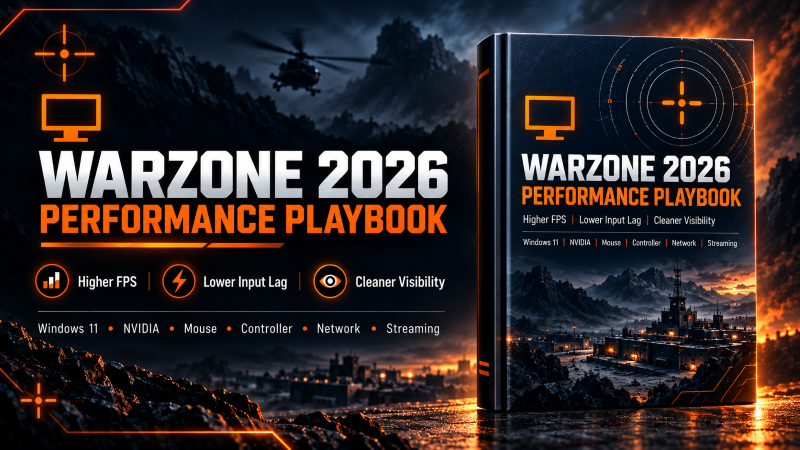
Warzone 2026 Performance Playbook

Stop guessing which settings are costing you FPS, visibility and responsiveness.

The Warzone 2026 Performance Playbook is a practical step-by-step PC optimization guide designed to help you build a smoother, more responsive Warzone setup without random “FPS boost” tweaks, mystery scripts or unrealistic zero-latency promises.

What You'll Optimize

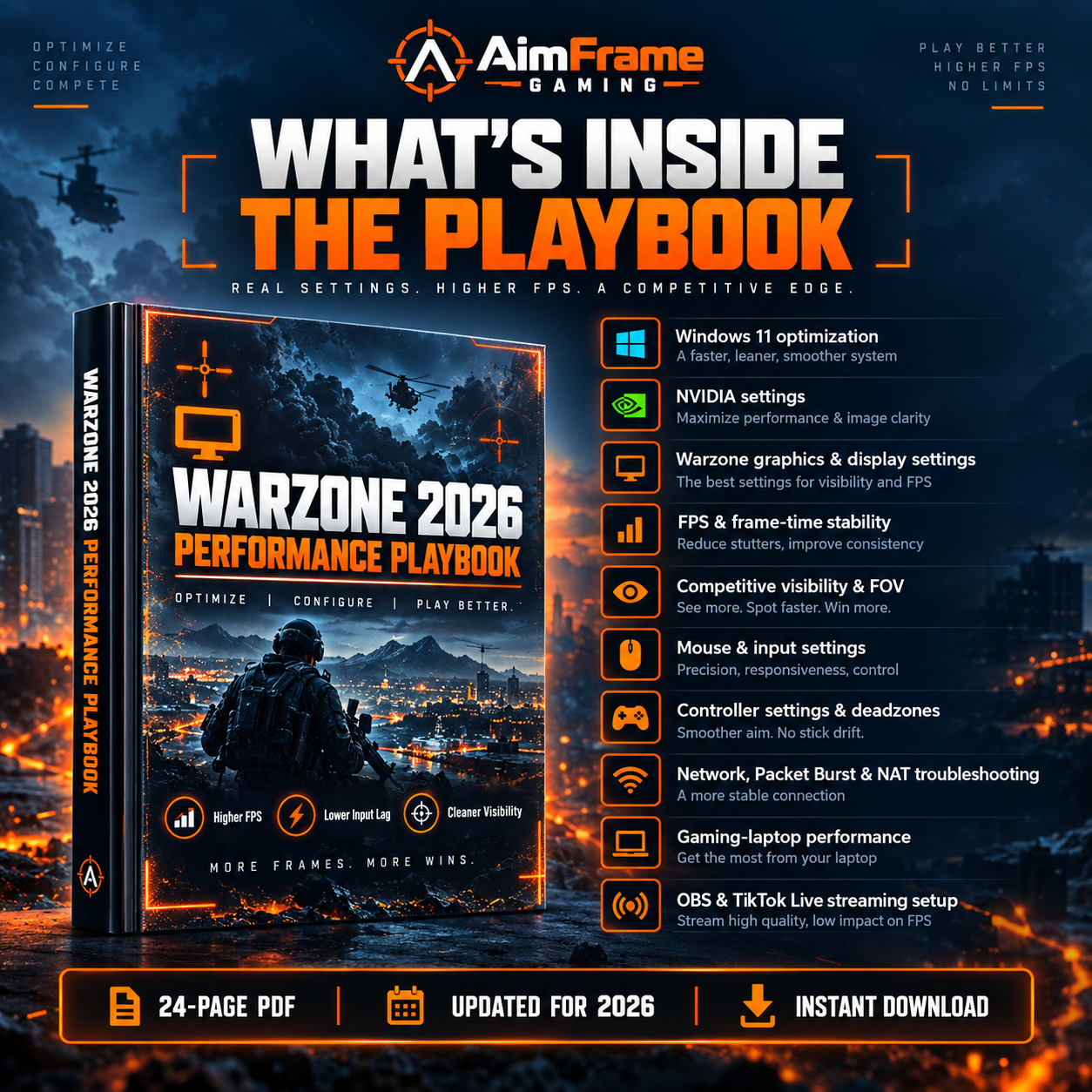
✓ Windows 11 gaming settings

✓ NVIDIA Control Panel settings

✓ Warzone graphics and display settings

✓ FPS and frame-time stability

✓ Competitive visibility and FOV

✓ Mouse and input settings

✓ Controller settings and deadzones

✓ Network, Packet Burst and NAT troubleshooting

✓ Gaming-laptop performance

✓ OBS and TikTok Live streaming setup

✓ Stuttering, freezing and FPS-drop troubleshooting

✓ Recommended settings for different PC performance levels

Stop Randomly Changing Settings

Many Warzone players change dozens of settings without knowing which ones actually help.

This guide gives you a structured process so you can:

✓ Identify unnecessary performance bottlenecks

✓ Reduce distracting graphics settings

✓ Improve frame-rate consistency

✓ Configure NVIDIA correctly

✓ Improve enemy visibility

✓ Reduce avoidable input delay

✓ Troubleshoot stutters and FPS drops

✓ Test your own setup instead of blindly copying another player's settings

Includes a Practical Optimization Checklist

Use the included checklist to work through:

Windows → NVIDIA → Warzone → Input → Network → Streaming

one section at a time.

You'll also get a benchmark worksheet so you can compare your results before and after making changes.

Who Is This Guide For?

This Playbook is designed primarily for:

✓ Windows 11 PC players

✓ Gaming-laptop players

✓ NVIDIA GPU users

✓ Mouse & keyboard players

✓ Controller players on PC

✓ Players experiencing stutters or unstable FPS

✓ Players streaming Warzone with OBS or TikTok Live

What You'll Receive

24-page digital PDF

✓ Instant download after purchase

✓ Easy-to-follow instructions

✓ Step-by-step settings

✓ Optimization checklist

✓ Benchmark worksheet

✓ One-time payment

✓ Updated for Warzone 2026

Price

$9.99 — One-Time Payment

No subscription.

Get the guide, work through the settings at your own pace and keep the PDF for future reference.

Important

PC performance varies depending on your CPU, GPU, RAM, cooling, drivers, network and other hardware. This guide provides practical optimization recommendations rather than guaranteed FPS or latency results.

AimFrame Gaming is independent and is not affiliated with, endorsed by or sponsored by Activision, Call of Duty, Microsoft, NVIDIA or their respective owners.

You will get a PDF (466KB) file